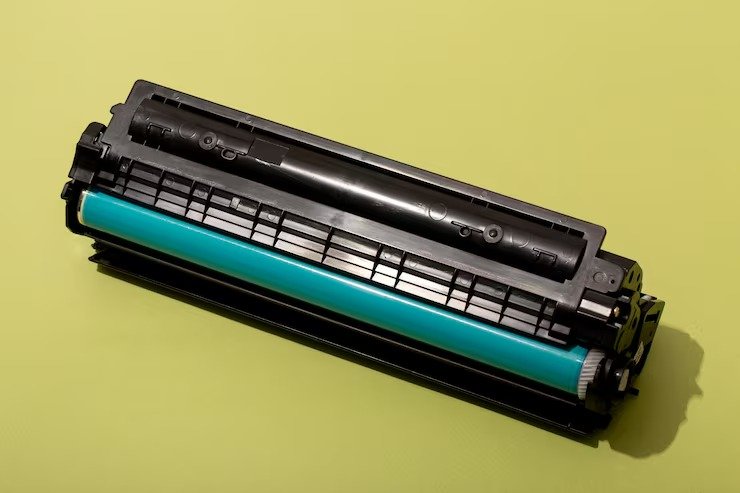
Buying a toner cartridge should be easy. But once you start looking, you may see dozens of cartridge numbers, toner types, and printer models. That can make a simple purchase confusing. The good news? You don’t need to be a printer expert. You just need to know your printer model, the right cartridge number, and what you actually need from your toner. This guide explains how to choose the right toner for HP, Brother, and Canon printers without making the buying process complicated. First, Check Your Printer Model Before buying any toner, find the exact model number of your printer. You can usually find it on the front, top, or back of the printer. You may also find it in your printer settings or the manual. This is the first thing you should check because two printers from the same brand may use completely different toner cartridges. For example, searching for “HP toner” is too broad. Searching for CF226A toner is much more specific. The same applies to Brother and Canon printers. Simple rule: Find your printer model first, then find the toner that matches it. What Is the Toner Cartridge Number? Every toner cartridge has a specific number that helps identify it. You may see numbers such as: CE390A CE390X CE255X CE505A CF226A CF226X CF258A CF258X TN660 TN760 TN850 Canon 054 These numbers are important because they tell you which toner you need. For example, if you’re searching for an CE390X toner cartridge, don’t just check the price. First make sure CE390X is compatible with your printer. Think of the cartridge number like a key. Your printer needs the right key to work properly. What Do A and X Mean on HP Toner? You may notice that some HP toner cartridges have similar names but end in different letters. For example: CE255A CE255X CF226A CF226X CF280A CF280X In many HP toner families, the X version is the high-yield option. This means it is designed to print more pages than the standard version. If you print a lot, a high-yield cartridge can be a good choice. If you only print occasionally, the standard version may be enough. So don’t automatically choose the cheapest cartridge. Think about how much you print. Standard vs. High-Yield Toner Let’s make this simple. Standard toner: Good for lighter printing. High-yield toner: Better for people or businesses that print a lot. For example, if you’re comparing an HP 55X black high yield toner cartridge CE255X with a standard cartridge, look at more than the purchase price. Check: How many pages it can print How much the cartridge costs How often you print How often you’ll need to replace it Your estimated cost per page A cartridge that costs a little more may actually save money if it lasts much longer. Genuine vs. Compatible Toner This is another common question. Genuine toner is made by the printer manufacturer, such as HP, Brother, or Canon. Compatible toner is made by another company and designed to work with a specific printer. Many customers choose compatible toner because it can cost less than genuine cartridges. But there’s one important thing to remember: Not all compatible cartridges are the same. When buying CE390A compatible toner, CF226A compatible toner, or CF410X compatible toner, check that the cartridge is made for your exact printer. Also look at the seller’s product information, return policy, quality standards, and customer support. How to Choose a Good Compatible Toner Price is important, but it shouldn’t be the only thing you look at. Before buying a compatible cartridge, check: 1. Printer Compatibility Make sure the cartridge works with your exact printer model. 2. Page Yield Check how many pages the cartridge is expected to print. 3. Print Quality For everyday documents, you want clear text and consistent printing. 4. Seller Reputation Buy from a seller that provides clear product information and customer support. 5. Return Policy If something goes wrong, you should know what your options are. A very cheap cartridge isn’t a good deal if it doesn’t work properly. How to Choose the Right HP Toner HP has many different toner cartridges, so checking the cartridge number is very important. Some common HP toner searches include: CE390X toner cartridge CE390A toner CE255X toner CE505A toner CF226A toner CF226X toner CF237A toner CF258A toner cartridge CF258X toner CF280A toner CF280X toner CF287X CF289A toner cartridge CF410A toner CF410X cartridge Don’t choose a cartridge just because it looks like the one currently inside your printer. Check the cartridge number and printer compatibility first. How to Choose the Right Brother Toner Brother laser printers also use specific toner numbers. Some popular Brother toner families include: TN450 TN660 TN760 TN850 TN221BK TN227BK TN436BK For example, if you’re looking for TN450 toner, make sure your printer supports TN450. The same applies when shopping for a TN660 toner cartridge or Brother TN760 toner cartridge. If you print large amounts every month, a Brother high-yield toner cartridge may be worth considering. A high-yield cartridge can last longer, which means fewer cartridge changes. How to Choose the Right Canon Toner Canon toner cartridges also have specific numbers. Some examples include: Canon 045 Canon 046 Canon 054 Canon 054H You may find individual cartridges or sets such as a Canon 054 toner set. If you print regularly, buying a toner set can be convenient because you have the cartridges you need when one runs out. But always check your printer model before ordering. Toner or Ink: What’s the Difference? This is an easy mistake to make. Laser printers use toner. Inkjet printers use ink. So if you have a laser printer, you need a toner cartridge. If you have an inkjet printer, you need an ink cartridge. That’s why searches such as HP toner cartridges and toner cartridge for HP are different from searches such as HP ink cartridge. Not sure what you need? Start by checking your printer model. Don’t Look Only at the Price Let’s say you find two toner cartridges. One costs