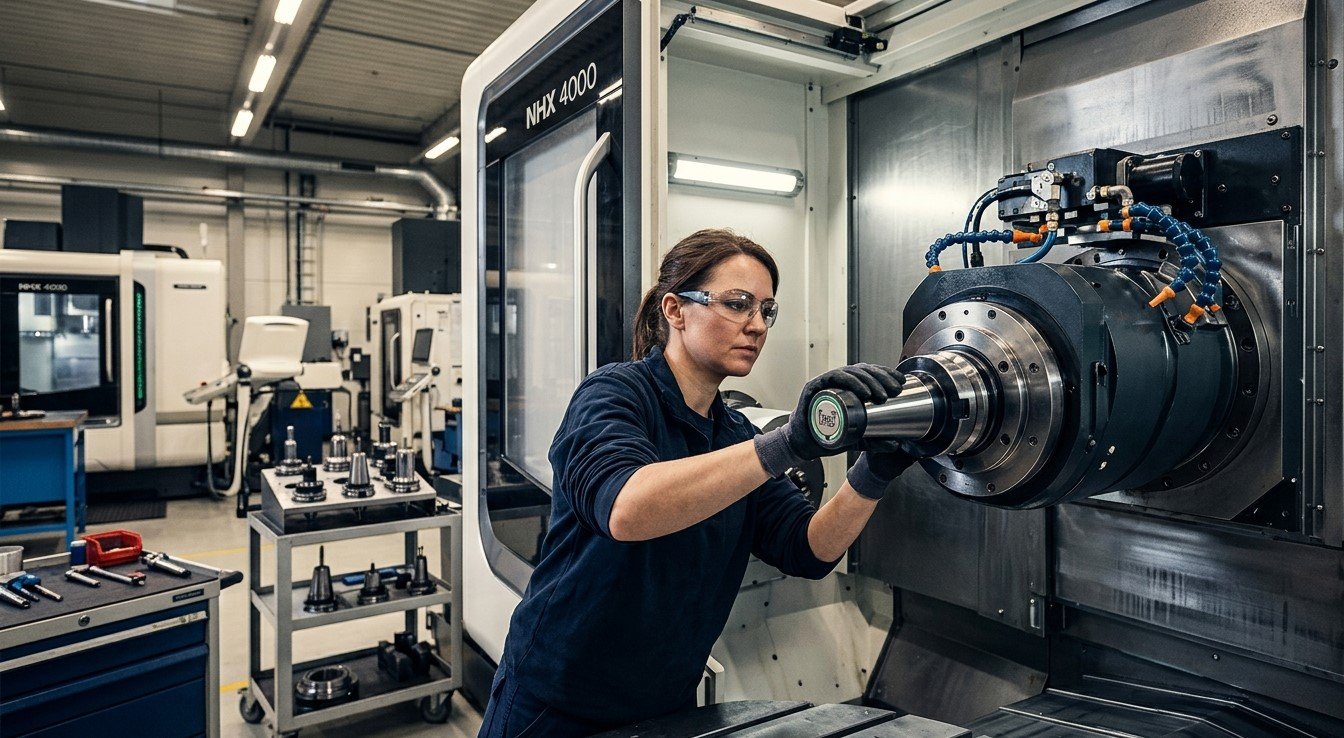
CNC machining requires accurate tool selection, correct tool offsets, and consistent setup procedures to achieve reliable production results. Even a small mistake, such as loading the wrong toolholder or entering an incorrect tool length, can lead to dimensional errors, damaged components, broken cutting tools, or costly machine downtime.
CNC toolholder identification systems help reduce these risks by identifying tools and connecting them with the correct machining data. Depending on the system, identification may use barcodes, QR codes, RFID tags, or integrated tool management software.
For manufacturers seeking reliable tooling solutions, Khokhawala Trading LLC, an Industrial Tools Supplier in Dubai, recognizes the importance of accurate tool identification and efficient CNC setup practices.
This article explains how CNC toolholder identification systems work, how they reduce setup errors, their main benefits, and how businesses can choose an appropriate solution for their machining operations.
Table of Contents
- What Is a CNC Toolholder Identification System?
- How Do Toolholder Identification Systems Work?
- Common Types of Toolholder Identification Systems
- How Do These Systems Reduce Setup Errors?
- Benefits of CNC Toolholder Identification
- Common Setup Errors These Systems Help Prevent
- How to Choose the Right Identification System
- Best Practices for Accurate CNC Tool Management
- Frequently Asked Questions
- Conclusion and Call to Action
1. What Is a CNC Toolholder Identification System?
A CNC toolholder identification system is a method of assigning a unique identity to a toolholder so that operators and machine controls can identify the correct tool and access its associated information.
Depending on the setup, this information may include:
- Tool identification number.
- Cutting tool type and dimensions.
- Tool length and diameter measurements.
- Tool offset information.
- Toolholder specifications.
- Tool life and usage history.
- Storage or magazine location.
- Inspection and maintenance records.
In a traditional workshop, operators may rely on labels, printed setup sheets, handwritten notes, or manual data entry. These methods can work, but they are vulnerable to human error.
An identification system creates a more consistent process. When integrated with suitable CNC controls and tool management software, it can verify tool identity and transfer or retrieve the correct data automatically.
2. How Do Toolholder Identification Systems Work?
The exact process depends on the technology being used, but most systems follow a similar workflow.
Step 1: Assign a Unique Tool Identity
Each toolholder receives a unique identification code, barcode, or electronic tag. This identity connects the physical toolholder with its record in the tool management system.
Step 2: Measure the Tool
The cutting tool assembly may be measured using a tool presetter. Measurements can include tool length, diameter, and other relevant geometry information.
Step 3: Store the Tool Data
The measurements and tool details are stored in a database, linked to a barcode, or written to a compatible RFID tag.
Step 4: Identify the Tool Before Loading
When the toolholder is prepared for a CNC machine, an operator scans its barcode or reads its RFID tag. The system checks the tool’s identity against the required setup information.
Step 5: Verify or Transfer Tool Data
Depending on the system’s capabilities, the software may display the tool information, warn the operator about a mismatch, or automatically transfer verified data to the CNC control.
Step 6: Confirm Setup Readiness
The operator confirms that the correct tool is installed in the intended location and that the required offsets and machining parameters are available before production begins.
Important: Basic identification labels do not automatically prevent errors. The greatest benefit comes when identification is connected to a controlled verification process or compatible CNC tool management system.
3. Common Types of Toolholder Identification Systems
Several technologies are used to identify CNC tools and manage their data.
A. Barcode Identification
Barcodes provide a simple way to assign unique identities to toolholders. Operators scan the code using a compatible reader to retrieve the tool’s information.
Advantages:
- Relatively simple to implement.
- Easy to print and replace.
- Suitable for small and medium-sized tool inventories.
- Can link tools to digital setup records.
Limitations:
- Requires a readable code and suitable scanning equipment.
- Labels may become damaged or contaminated.
- Data transfer and verification depend on software integration.
B. QR Code Identification
QR codes can store more information than many traditional one-dimensional barcodes and can be scanned using compatible optical readers.
They are useful for linking toolholders to digital records containing specifications, preset measurements, inspection history, and maintenance information.
However, the QR code itself does not guarantee that the stored information is correct. Data must be maintained and verified.
C. RFID Identification
Radio-frequency identification uses an electronic tag and a compatible reader to identify a toolholder. Depending on the design, RFID tags may be embedded in or attached to suitable toolholders.
Some systems support read-only identification, while others can store and update tool data.
Advantages:
- Can reduce the need for manual scanning and data entry.
- Supports automated identification in compatible workflows.
- Can help track tool usage and location.
- May support automatic transfer of tool measurements and tool life data.
RFID requires compatible tags, readers, and software. Installation must also suit the toolholder design and operating conditions.
D. CNC Tool Management Software
Tool management software maintains records of tool identities, dimensions, offsets, locations, and usage. It can connect identification systems with tool presetters and CNC controls.
When properly configured, it can verify that the correct tool is assigned to the correct operation and help prevent incorrect data from being used during machining.
4. How Do These Systems Reduce Setup Errors?
Toolholder identification systems reduce errors by making tool information easier to verify and harder to mix up.
A. Preventing Incorrect Tool Selection
CNC programs require specific tools for drilling, milling, boring, and other operations. If an operator loads the wrong toolholder, the machine may perform the operation with an unsuitable tool.
An identification system can compare the scanned tool identity with the required tool record. Integrated systems can flag a mismatch before machining begins.
B. Reducing Manual Data Entry Errors
Entering tool length and diameter offsets manually can introduce typing mistakes, transposed digits, or incorrect values.
When a compatible system transfers verified preset measurements directly to the CNC control, it reduces the number of manual entry steps.
C. Improving Tool Magazine Accuracy
Toolholders are often stored in magazine pockets. If a holder is placed in the wrong pocket or its location is recorded incorrectly, the machine may retrieve an unintended tool.
Identification and tool location tracking help keep the physical tool and its recorded magazine position aligned.
D. Ensuring Correct Tool Offsets
Incorrect offsets can cause excessive cutting depth, oversized or undersized features, and collisions.
When tool identification is linked to verified measurement data, operators can confirm that the correct offset record belongs to the installed tool.
E. Preventing the Use of Expired or Worn Tools
Tool management systems can track cutting time, usage counts, or other tool life indicators. If configured appropriately, they can warn operators when a tool approaches its replacement limit.
This reduces the risk of using tools that no longer meet production requirements.
F. Standardizing Setup Procedures
A consistent identification workflow helps different operators follow the same process. This is particularly valuable in workshops operating several CNC machines or running multiple shifts.
5. Benefits of CNC Toolholder Identification
| Benefit | How It Helps |
|---|---|
| Fewer setup errors | Verifies tool identity before use |
| Faster changeovers | Reduces searching and manual data entry |
| Improved accuracy | Helps associate the correct offsets with each tool |
| Better tool tracking | Records tool location and usage |
| Reduced downtime | Helps prevent avoidable setup problems |
| Improved traceability | Maintains records of tool data and changes |
| Consistent workflows | Standardizes setup procedures across operators |
| Better production planning | Makes tool availability and replacement needs easier to manage |
The actual results depend on system integration, operator training, data quality, and the complexity of the machining process.
6. Common Setup Errors These Systems Help Prevent
Wrong Tool in the Spindle
A tool verification step can detect when the installed holder does not match the tool required by the program.
Incorrect Tool Length or Diameter
Linking tool identities to verified presetter measurements helps reduce the risk of applying another tool’s geometry values.
Incorrect Magazine Pocket Assignment
Tracking tool identity and pocket location helps prevent confusion when tools are moved or replaced.
Duplicate or Conflicting Tool Numbers
A structured tool database can assign unique identifiers and help prevent multiple physical tools from being confused with one another.
Missing Tool Data
A verification workflow can alert operators when the required tool record or measurement data is missing.
Outdated Tool Life Information
When tool usage is tracked and updated correctly, operators can make better decisions about tool replacement and maintenance.
Although these systems can significantly reduce setup risks, they cannot eliminate every machining error. Incorrect source data, poor calibration, unsuitable cutting parameters, or an incorrectly configured system can still cause problems.
7. How to Choose the Right Identification System
Selecting an appropriate system depends on the size of the tool inventory, production requirements, and existing machine capabilities.
Step 1: Assess Your Current Setup Process
Identify where errors occur most frequently. Common examples include manual offset entry, incorrect tool loading, lost setup sheets, and confusion between similar toolholders.
Step 2: Consider the Number of Tools and Machines
A small workshop may benefit from barcode labels and a well-maintained digital tool register. A larger facility with multiple machines may require integrated RFID or centralized tool management software.
Step 3: Check CNC Compatibility
Confirm that the proposed system can work with the machine controls, tool presetters, and existing software. Automatic data transfer requires appropriate integration.
Step 4: Evaluate Data Requirements
Decide whether the system only needs to identify tools or must also manage measurements, offsets, tool life, and location history.
Step 5: Consider Operating Conditions
Tool identification tags and labels must withstand the conditions in which they will be used, including coolant exposure, handling, and contamination.
Step 6: Train Operators and Validate the Workflow
Test the system with representative tools and setup procedures. Ensure that operators understand how to identify tools, respond to mismatch warnings, and correct inaccurate records.
8. Best Practices for Accurate CNC Tool Management
To achieve the best results from a toolholder identification system:
- Assign a unique identity to every physical toolholder.
- Keep tool records accurate and up to date.
- Verify tool measurements before transferring them to CNC controls.
- Scan or read tool identities at defined setup checkpoints.
- Keep labels and identification tags clean and readable.
- Track tool movement between storage areas and machine magazines.
- Establish procedures for replacing worn tools and updating tool life.
- Restrict unauthorized changes to critical tool data where appropriate.
- Train operators to respond correctly to identification errors.
- Review setup mistakes regularly and improve the process based on the findings.
These practices help turn tool identification from a simple labeling exercise into a reliable part of production quality control.
9. Frequently Asked Questions
1. What is a CNC toolholder identification system?
It is a system that assigns a unique identity to a toolholder and links it to relevant information, such as tool dimensions, offsets, location, and usage history.
2. How does tool identification reduce setup errors?
It helps operators verify the correct tool before installation and can reduce manual data entry. Integrated systems may also detect incorrect tool assignments or missing data before machining starts.
3. What is the difference between barcode and RFID tool identification?
Barcodes use optical scanning, while RFID uses radio-frequency communication between a tag and reader. RFID can support automated reading and, in some systems, data updates. The best option depends on the workshop’s requirements and budget.
4. Can toolholder identification systems automatically update CNC offsets?
Yes, some integrated systems can transfer verified tool measurements and update CNC offsets automatically. This requires compatible hardware, software, and machine controls.
5. Are tool identification systems suitable for small workshops?
Yes. Small workshops can start with unique labels, barcode scanning, and organized digital records. More advanced automation can be added as production requirements grow.
6. Do identification systems eliminate all CNC setup errors?
No. They reduce specific risks associated with tool identity, data entry, and tool tracking. Accurate measurements, correct machine settings, proper maintenance, and operator checks are still necessary.
7. What information should be stored for each CNC toolholder?
Useful records include a unique tool ID, tool type, holder specification, tool length and diameter, applicable offsets, location, tool life, and inspection history.
10. Conclusion and Call to Action
CNC toolholder identification systems help manufacturers reduce setup errors by improving tool verification, organizing measurement data, and making tool tracking more reliable. Barcode, QR code, RFID, and tool management software solutions can all contribute to a more consistent setup process when selected and implemented correctly.
By reducing manual data entry, verifying tool assignments, and maintaining accurate records, workshops can improve productivity, minimize avoidable downtime, and support more consistent machining quality.
Khokhawala Trading LLC aims to support businesses seeking dependable industrial tooling solutions. If you are looking for an Industrial Tools Supplier in Dubai, choosing compatible tooling and following a structured tool management process can help improve your CNC machining operations.
Contact Khokhawala Trading LLC to discuss your industrial tooling requirements and identify suitable solutions for your workshop.