Business software is supposed to make work easier. However, many organizations rely on applications that require extensive training, involve repetitive data entry, and make simple tasks unnecessarily complicated.
Employees may spend significant time searching for information, switching between modules, or correcting avoidable mistakes. These challenges can limit the value of otherwise capable software.
Professional UX software design services help businesses examine how people actually use applications and develop more intuitive experiences around their daily responsibilities. From enterprise resource planning systems to SaaS platforms and internal dashboards, better UX can support productivity, adoption, and operational efficiency.
Understanding the relationship between software functionality and user experience is essential for companies investing in digital transformation.
What Is UX Design for Software?
Software UX design is the process of planning and improving how users interact with applications.
It considers the structure of information, navigation patterns, task sequences, interaction feedback, and overall usability of the product.
While UI design focuses on visible components such as buttons, tables, menus, and forms, UX design looks at the complete experience.
For example, imagine an HR management application.
Employees may need to request leave, access payroll information, update personal details, and review company policies.
The UX designer determines how these functions should be organized so employees can complete tasks efficiently.
A successful experience minimizes unnecessary effort while maintaining required business controls.
Why Enterprise Software Often Becomes Difficult to Use
Enterprise applications frequently develop complexity over time.
New features are added, different departments request custom workflows, and legacy processes remain in place.
Eventually, the interface may reflect years of technical and operational decisions rather than a coherent user experience.
Too Many Features in One Place
A platform may include dozens of modules, but individual users might need only a few.
Displaying every function equally creates unnecessary cognitive load.
Role-based navigation can help users focus on tasks relevant to their responsibilities.
Inconsistent Interface Patterns
When software modules are developed independently, similar functions may behave differently.
One section might use a dropdown menu, while another uses a modal window for the same kind of action.
Such inconsistencies increase the amount of learning required.
Reusable interface components help establish predictable behavior.
Unclear Error Messages
Technical error messages can confuse users who do not understand system architecture.
For example, displaying an internal database error does little to help an employee correct a missing field.
Good error messages explain what happened, what information needs attention, and what the user can do next.
Complex Approval Processes
Business software often supports multi-level approval workflows.
If users cannot understand a request’s current status, they may repeatedly contact colleagues or submit duplicate requests.
Clear progress indicators and status labels help improve transparency.
How UX Design Improves Employee Productivity
An effective interface supports tasks rather than interrupting them.
Consider a sales representative using a CRM application.
The representative might need to review customer history, update an opportunity, schedule a follow-up, and generate a proposal.
If these activities require frequent navigation between unrelated screens, the workflow becomes inefficient.
A redesigned experience could organize relevant information around the customer record.
This may reduce unnecessary switching and help the representative maintain context.
Designing Around Real Workflows
UX research should examine actual employee behavior.
Designers can investigate:
-
Which tasks employees perform most frequently
-
Where they encounter delays
-
What information they need before making decisions
-
Which manual workarounds they currently use
-
How responsibilities differ across roles
This information helps prioritize improvements based on operational value.
UX Design for SaaS Products
Software-as-a-service companies face a particular challenge: customers must learn how to use the product before they can appreciate its full value.
A technically powerful SaaS application may struggle when users cannot complete onboarding or discover useful features.
Simplifying User Onboarding
Good onboarding introduces essential functionality without overwhelming new users.
Rather than presenting lengthy tutorials immediately, designers can offer contextual guidance as users explore the interface.
For example, a project management application might guide new users through creating a project, inviting a team member, and assigning a task.
The onboarding process should help customers reach their first meaningful outcome.
Supporting Feature Discovery
As SaaS products expand, new features can become difficult to find.
Clear navigation, contextual suggestions, and consistent terminology help customers understand available capabilities.
However, feature discovery should not rely on disruptive pop-ups or excessive notifications.
The experience should prioritize user goals.
Designing Account and Subscription Management
Subscription settings, billing information, team permissions, and account controls should be understandable.
Transparent settings help customers manage their relationship with the software confidently.
The Importance of Enterprise Dashboard Design
Dashboards summarize information and help users monitor important activities.
However, a dashboard is only valuable when its content supports actual decisions.
A financial dashboard, for example, might need to highlight revenue trends, outstanding invoices, and budget variations.
An operations dashboard may prioritize task completion, inventory status, and service interruptions.
Different users require different views.
Dashboard Design Principles
Effective enterprise dashboards generally follow several principles:
-
Prioritize the most important information.
-
Use clear labels and meaningful units.
-
Select chart types appropriate to the data.
-
Provide access to supporting details.
-
Distinguish alerts from routine updates.
-
Avoid unnecessary visual decoration.
-
Maintain consistency across modules.
The objective is to help users interpret information efficiently.
Why Accessibility Matters in Business Software
Employees and customers interact with software using different devices, abilities, and input methods.
Accessible design supports keyboard navigation, readable content, sufficient contrast, meaningful labels, and clear focus indicators.
These requirements should be considered early.
For example, a data table may need keyboard-accessible controls and understandable headers.
A form should identify required fields and communicate errors in ways that do not depend exclusively on color.
The W3C’s WCAG 2.2 guidance provides a useful reference for evaluating accessible web interfaces.
W3C
Accessibility benefits organizations by supporting broader participation and more predictable interactions.
When Should Businesses Redesign Their Software?
Not every software problem requires a complete redesign.
Sometimes targeted improvements to navigation, workflows, or components can deliver meaningful results.
However, several warning signs suggest that UX should be reviewed.
These include:
-
Employees need extensive training for routine tasks.
-
Customers repeatedly contact support for basic functions.
-
New features are rarely adopted.
-
Users rely on spreadsheets outside the main application.
-
Similar actions behave differently across modules.
-
Mobile workflows are difficult to complete.
-
The interface no longer reflects current business processes.
A UX audit can help determine whether targeted improvements or broader restructuring would be appropriate.
How to Measure Software UX Improvements
Businesses should establish success criteria before beginning a redesign.
For an internal application, relevant metrics may include time required to complete frequent tasks, error frequency, and employee satisfaction.
For SaaS products, teams may examine onboarding completion, feature adoption, customer feedback, and account retention.
These measures do not automatically establish causation.
Product pricing, training, technical performance, and customer expectations may also influence outcomes.
Combining analytics with usability research provides a more complete understanding of user behavior.
How Space to Tech Supports Business Software Design
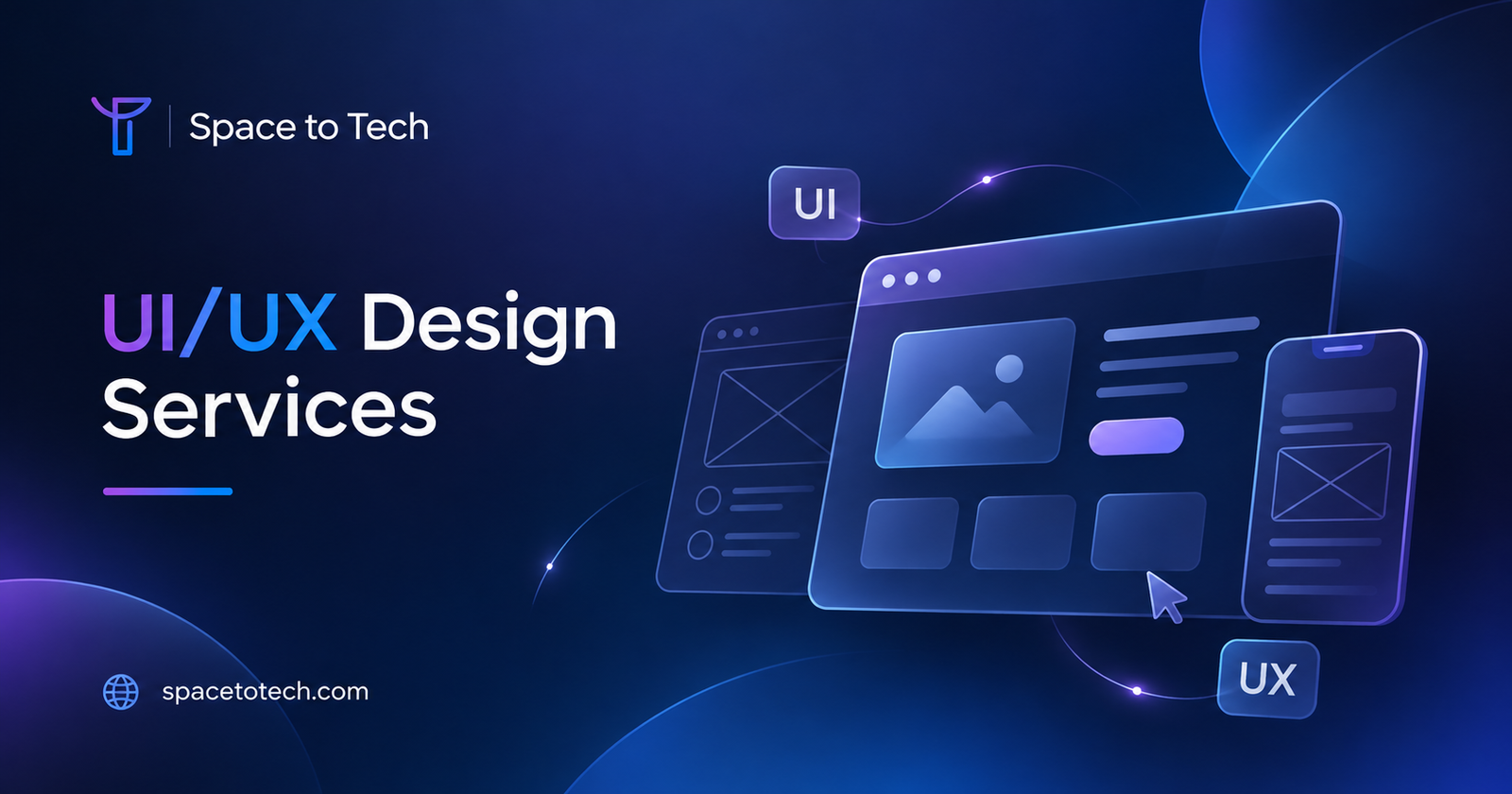
Space to Tech Technology provides UI/UX design services for enterprise software, websites, and mobile applications.
Its service approach includes user research, information architecture, wireframing, interactive prototyping, usability testing, and design-to-development collaboration.
These capabilities are relevant to businesses that want to improve complex software workflows or plan new applications.
For example, a business developing an internal management system could use prototypes to evaluate role-specific dashboards before implementation.
An established SaaS company could use usability testing to investigate why customers struggle with important tasks.
The value of this approach comes from examining user behavior and making design decisions based on identified requirements.
Practical Checklist Before Starting a Software UX Project
Before beginning a project, businesses should prepare answers to several questions.
-
Which software workflows cause the most difficulty?
-
Who uses each feature?
-
What complaints appear repeatedly?
-
Are usage analytics available?
-
What technical constraints must be preserved?
-
Which teams need to approve design changes?
-
How will improvements be measured?
A clear understanding of these factors can help a design partner recommend the appropriate scope.
Conclusion
Modern software should help people complete work with clarity and confidence.
When applications become difficult to navigate, businesses may experience avoidable training requirements, operational friction, and inconsistent adoption.
UX software design services address these problems by examining user needs, organizing complex workflows, and validating interface improvements.
For businesses developing or improving software platforms, Space to Tech Technology offers user-centered design capabilities that can support clearer, more consistent digital experiences.